Infographics
Turn processes, comparisons and complex ideas into a clear visual story.
 GraphicRouter
IDEAS NEED DIRECTION. YOU HAVE IT.
Create editable infographics and presentations with a designer’s workflow, right inside ChatGPT. Bring your facts. Shape the story. Keep the details in your hands.
A clear story.
A considered composition.
Every detail, yours to direct.
Workflow illustration · Text and shapes are separate. This is not a live editor.
Start with a blank canvas.
Build something worth sharing.
THE GRAPHICROUTER APPROACH
Good design takes a few considered decisions. GraphicRouter helps you make them in the right order.
Your purpose, your audience, your facts. A short brief fills the gaps and reuses what you already supplied.
Choose the story and visual relationships before placing a single element. Find a hierarchy that makes the message clear.
Place text, shapes and visuals with intention. Every headline and label belongs in its own editable layer.
Inspect the actual design, direct a focused change, and review the Canva result before saving.
DIFFERENT STORIES. DIFFERENT SHAPES.
Turn processes, comparisons and complex ideas into a clear visual story.
Give every slide a message, a composition and room for your voice.
Plan up to 40 presentation pages, a carousel or a tall infographic, section by section.
SMALL DETAILS. CONSIDERED DECISIONS.
Actual prepared engine output.
Explore the story, revision and export.
01 / THE STORY
A prepared pitch, built from supplied project facts. The five-slide format is an example; native presentations can have up to 40 pages.
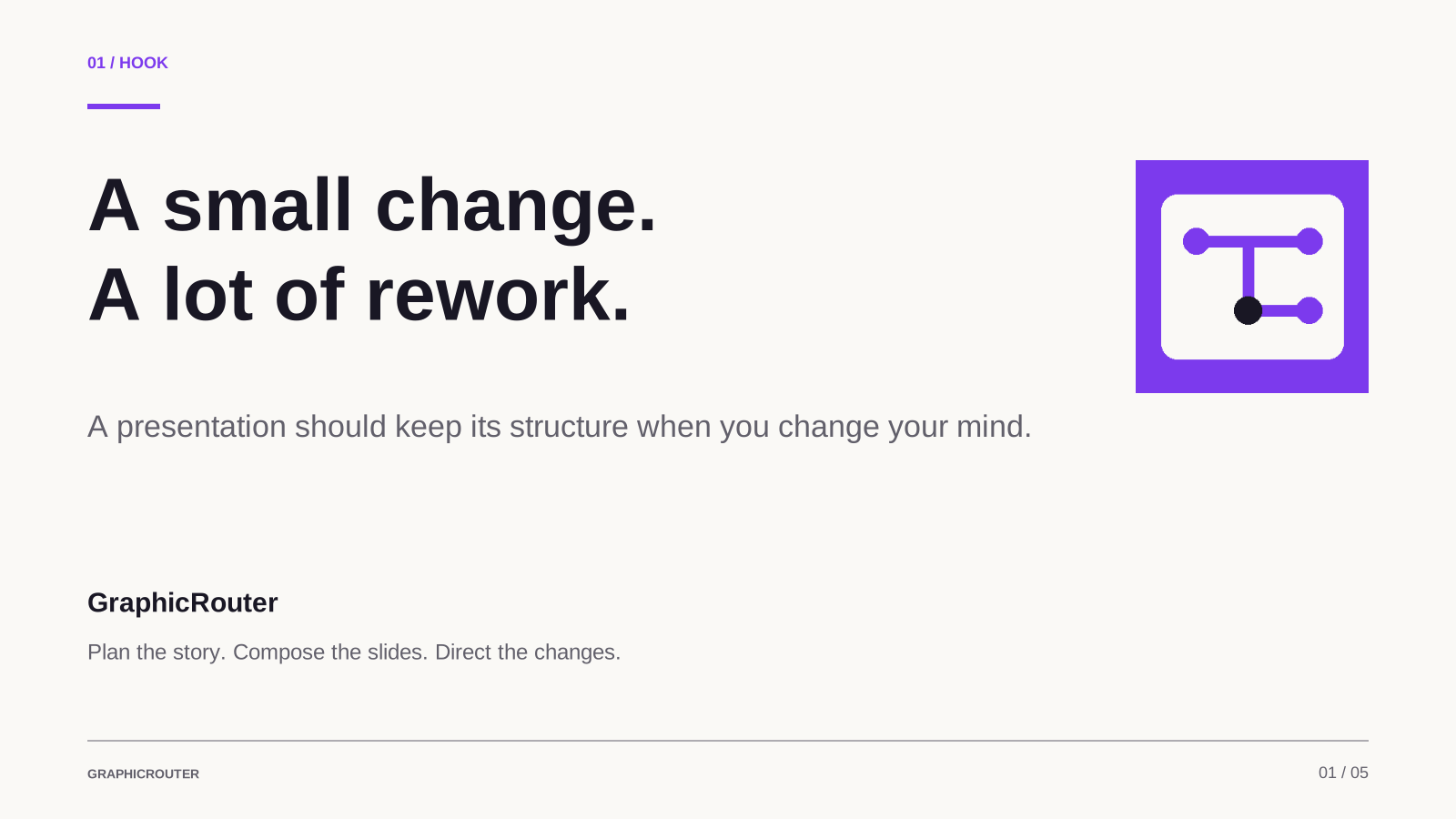
A small change. A lot of rework.
Give every slide a clear blueprint.
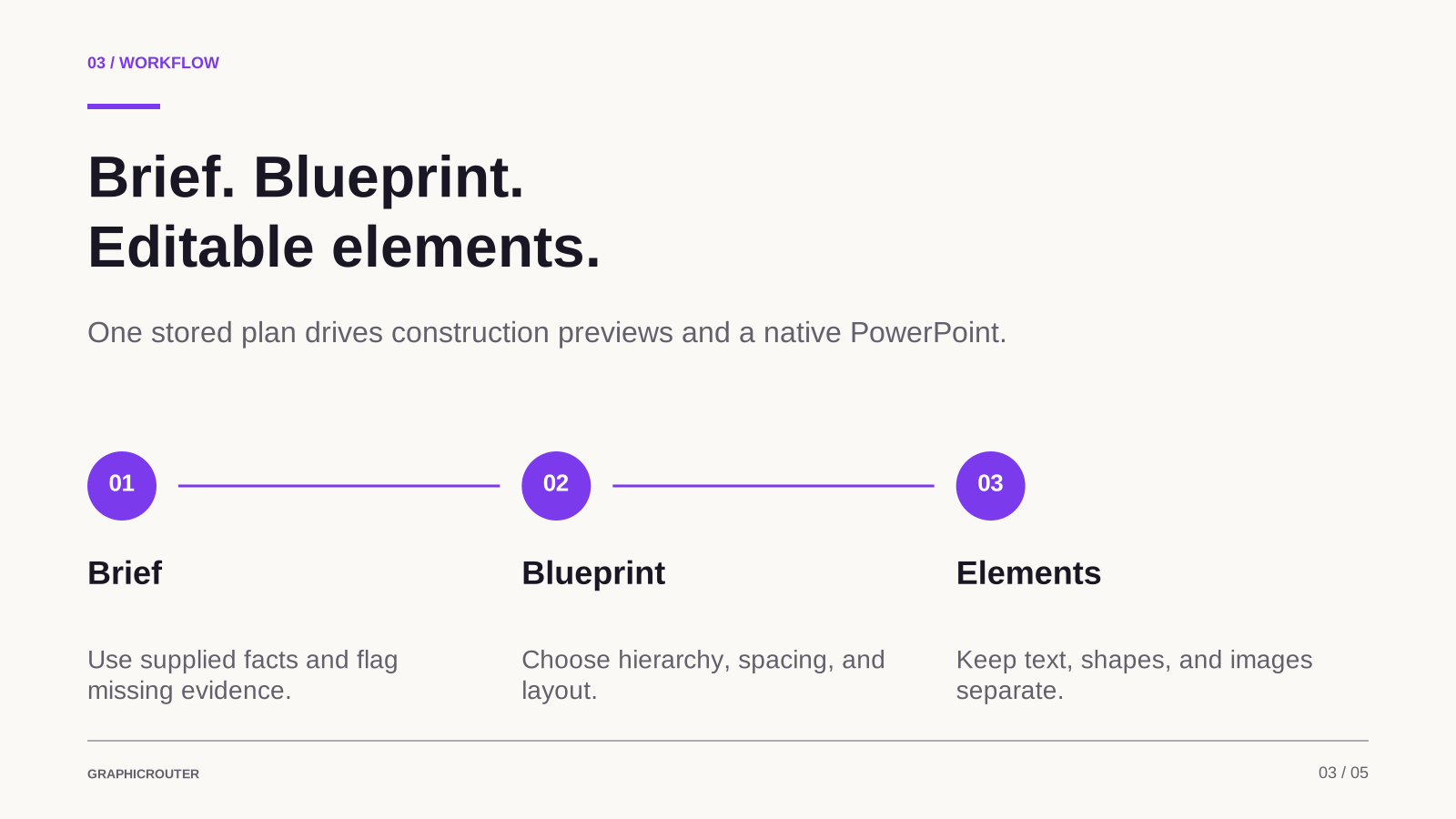
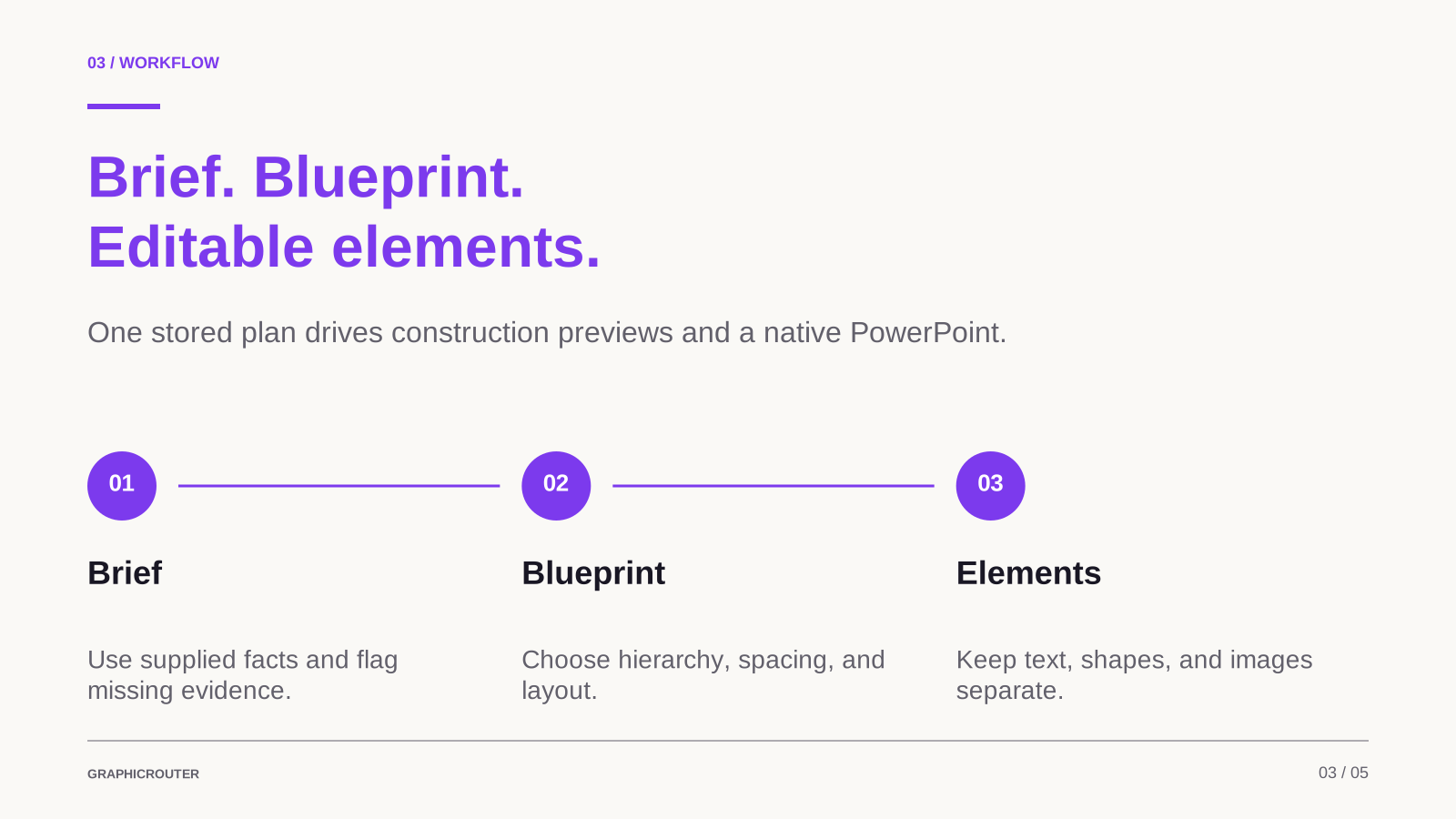
Brief. Blueprint. Editable elements.
Change one element. Keep the rest.
Working locally. Ready for account checks.
02 / A PRECISE REVISION
The same slide, with one focused change. Compare the prepared versions: only the headline colour changes.
“Change only the headline on slide three to violet.”
Original preserved. Try the prepared comparison.
Prepared after example:
03 / THE HANDOFF
Download the real prepared PowerPoint and its speaker notes. Text and shapes export as separate objects; review the actual result after importing into Canva.
Sample files only — not the plugin installer.
Imagine your presentation is nearly ready. You want to change one headline, but you also need the rest of the deck to stay consistent. Our starting question is simple: can an AI-assisted workflow give us that control? GraphicRouter makes the presentation an explicit plan of editable elements. This pitch is generated by the same slide engine we are showing today.
Core + expanded notes in the sample downloadYOUR NEXT GOOD IDEA STARTS HERE
Coming soon to ChatGPT. GraphicRouter is a working prototype; public installation is not available yet. Explore the examples and download the sample presentation while we prepare the public release.
Hosted ChatGPT plugin · No installer download required.
See how GraphicRouter plans a story, composes editable elements and makes a focused revision in the examples above.
Download the prepared PowerPoint and speaker notes. These example files are available now; they are not a plugin installer.
Once the public release is available, this page will link to the ChatGPT listing. No release date is confirmed yet.
Use GraphicRouter to create an editable infographic or presentation about [topic] for [audience]. My goal is [goal]. Use these facts: [facts]. Reuse the details I supplied, ask only what is missing, plan the composition, and keep every heading and label separate from the background. Inspect the result before the Canva handoff.FOR DEVELOPERS & JUDGES
Explore the code and run the local interface with Node.js 24 and Git. This is developer setup; it does not install GraphicRouter in ChatGPT.
View source on GitHubgit clone https://github.com/4d696e6b/GraphicRouter.git
cd GraphicRouter
npm ci
npm run check
npm run devOpen http://127.0.0.1:5173 for the website, or http://127.0.0.1:5173/briefing for the question interface. The brief prepares a prompt; it does not generate a design by itself.
Design storage needs local D1/R2 configuration and database migrations. Canva OAuth needs your own Canva developer integration and server-side configuration copied from .env.example into ignored .dev.vars. Never use or share the project owner’s secrets.
ChatGPT tools require a separately configured hosted connection with supported authentication. Cloning the code or adding environment values does not grant access to the existing private plugin. No additional OpenAI model API key is required by this project.
Full developer setupPublic ChatGPT installation is coming soon. For the complete prototype, request a guided demonstration during judging.
A FEW PRACTICAL THINGS
GraphicRouter currently works as a development plugin in authorized ChatGPT accounts. Public installation is coming soon. You can explore the examples and download sample files here today.
Connect Canva in ChatGPT to read or edit an accessible Canva design. Native GraphicRouter designs can also export to PowerPoint with separate text and shapes. Review the actual imported result; Canva edits do not sync back.
Editable infographics, presentations of up to 40 pages, tall graphics and carousels. It can plan precise edits to an existing Canva link through the connected Canva tools. The five-slide samples above illustrate one workflow, not a page-count restriction. Images, Canva layers and final appearance still need review.
Make room for
your next idea.